

Picture this: You’re at your favorite coffee shop, about to reply to a work email or check your bank balance. You connect to the free public Wi-Fi, but there’s that little voice in your head: “Is this safe?” Spoiler: it probably isn’t.

In today’s hyper-connected world, using your phone without protection is like leaving your front door wide open. Thankfully, securing your mobile device is easier (and cheaper) than ever. You don’t need a credit card. You don’t even need to create an account with some of these tools. You just need a good, reliable VPN app and that’s what we’re here for.
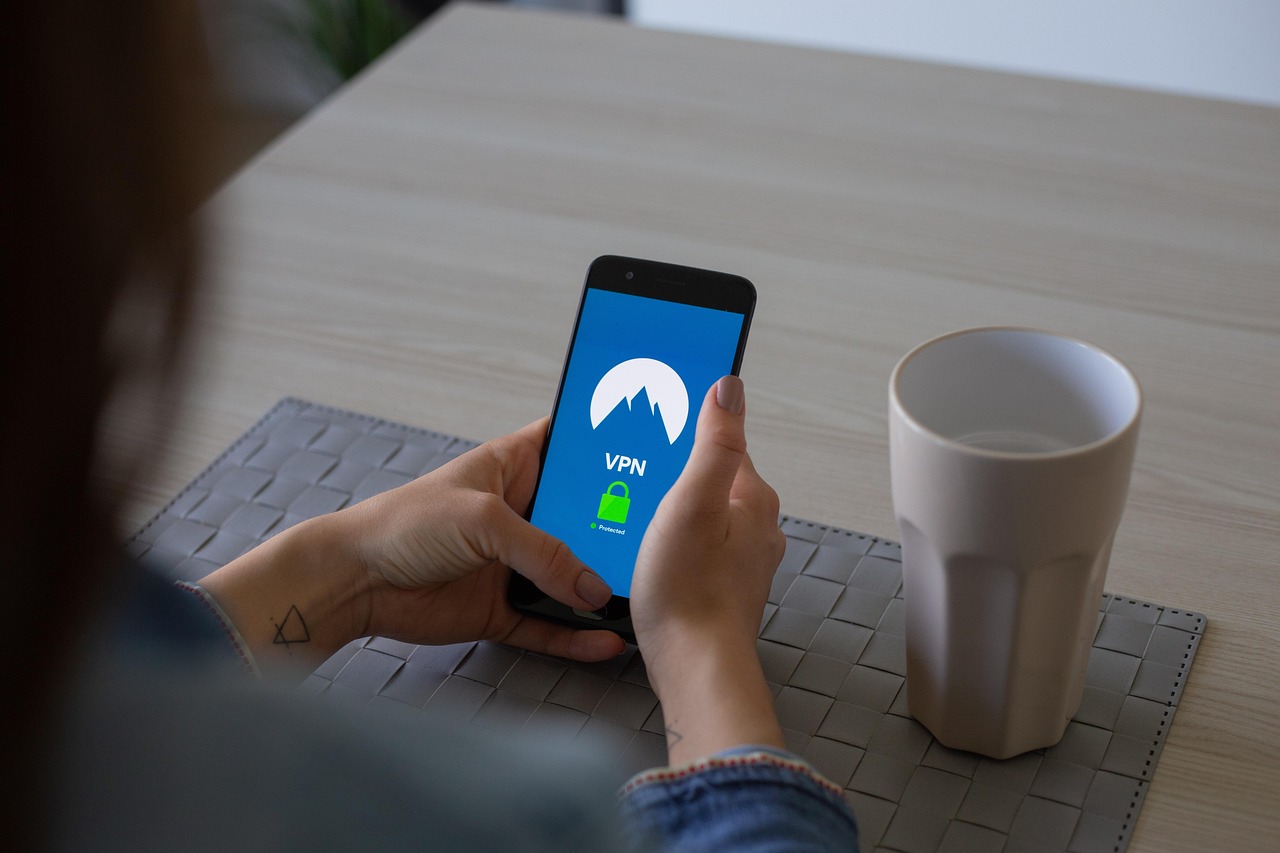
What Is a VPN and Why Should You Care?
A VPN (Virtual Private Network) creates a secure, encrypted tunnel between your phone and the internet. That means:
- No one sees what you’re doing online.
- Your IP address is hidden.
- Your data stays yours, not your ISP’s or some advertiser’s.
When using public Wi-Fi, this becomes essential. Whether you’re at an airport, co-working space, or even your hotel room abroad your personal information is at risk. VPNs close that door.
And guess what? The best ones don’t even require you to upgrade to premium to feel protected.
But aren’t free VPNs risky?
Great question. Not all free VPNs are created equal. Some track your browsing. Some spam you with ads. A few might even sell your data. So yes, caution is key.
But there are trustworthy free VPNs. You just have to look for:
- A clear no-logs policy
- AES-256 encryption or similar
- Transparent privacy practices
- Minimal permissions requested
If the app asks to access your photos, contacts, or messages? Red flag. Move on.
Luckily, we’ve done the hard part for you.
How to choose the right free VPN for mobile
When picking a VPN, here are the key things to keep an eye on:
- Data allowance: Do you get enough for daily use? (Look for at least 500MB/day)
- Speed: No one likes buffering.
- Ease of use: A clean interface can make a big difference.
- Server locations: More countries = more access.
- Protocols supported: WireGuard, OpenVPN, or IKEv2 are best.
Top free VPN Apps for mobile in 2025
Here are 7 free VPNs that actually deliver, without shady business:
1. ProtonVPN Free
- Unlimited data
- Strong encryption
- Strict no-logs policy
- Limited to 3 countries (US, NL, JP)
Perfect for: users who prioritize security and don’t mind limited server locations.
2. Windscribe Free
- 10GB/month
- Built-in ad & tracker blocker
- 10+ server locations
Great for: privacy-conscious users who want more control over where they connect.
3. Atlas VPN Free
- Supports WireGuard
- 5GB/month
- Good speeds
Ideal for: those who want a fast, lightweight app with modern security protocols.
4. TunnelBear Free
- Very beginner-friendly
- 500MB/month
- Visual, cute interface
Recommended for: first-time VPN users who want something fun and simple.
5. PrivadoVPN Free
- 10GB/month
- No-logs policy
- Easy to set up
Good choice for: casual mobile users who just want quick, private browsing.
6. Hide.me Free
- 10GB/month
- No ads
- Includes kill switch & split tunneling
Best for: those who want advanced features without upgrading to premium.
7. Hotspot Shield Free
- 500MB/day
- Fast connection
- Some ads
Best for: short sessions and people needing bursts of speed on public Wi-Fi.
Do free VPNs slow down mobile internet?
Yes… but not as much as you think. VPNs reroute traffic, so a small drop is normal. With a quality VPN and good settings, you’ll still stream videos and scroll socials without issue.
Tips for better VPN speed:
- Choose a server close to your location
- Use protocols like WireGuard
- Avoid peak usage hours
- Close unnecessary apps running in the background
Speed drops? Yes. Deal-breakers? Not really.
What free VPNs can and can’t do
Let’s be clear: free VPNs are amazing for basic protection. But they’re not magic.
Free VPNs can:
- Hide your IP address
- Encrypt your traffic
- Protect you on public Wi-Fi
Free VPNs can’t:
- Always unblock Netflix or Disney+
- Guarantee high speeds during peak hours
- Compete with premium servers for gaming or torrents
That said, for most mobile users doing casual browsing, email, messaging, or online shopping, they’re more than enough.
How to set up a free VPN on your phone
You don’t need to be tech-savvy. Here’s how:
- Open your App Store (Google Play or Apple)
- Search your VPN of choice (e.g., ProtonVPN)
- Download and install
- Create an account if needed
- Select a server & hit Connect
Boom : you’re protected.
Pro tip: Check your VPN app’s settings. Some offer auto-connect when on public Wi-Fi, split tunneling, or dark mode.
Final thoughts: mobile security without the price tag
You don’t need to pay to stay safe.
Whether you’re working remotely from a café, watching Netflix on public Wi-Fi, or just trying to protect your personal data, a free mobile VPN is a no-brainer.
Pick one from the list above. Install it. Use it. And browse with confidence because your phone deserves better than being naked online.
In 2025, protecting your digital life shouldn’t feel optional. The right VPN turns your phone from vulnerable to bulletproof in seconds. And if you can do that without paying a cent?
Well, that’s a win.
Your privacy matters. And now, it doesn’t have to cost a thing.