
You probably didn’t plan on using Chrome. It just… happened.

Maybe it was pre-installed. Maybe a friend recommended it. Maybe you clicked “yes” during a YouTube binge in 2014 and never looked back. Either way, for many people, Google Chrome became the browser by default, by habit, or by convenience.
But in a world where new browsers are promising total control, built-in VPNs, gaming performance, and full customization, the question becomes:
Is Chrome still worth it?
Let’s take a clear, honest look at what Google Chrome offers today and why it continues to lead, even as the competition gets louder.

Familiar, Fast, and Cross-Platform
If Chrome is anything, it’s reliable. It launches quickly, loads fast, and works the same on every device from your phone to your desktop, Chromebook, or tablet.
This consistency is one of its strongest points. You don’t have to think twice when switching devices. Your bookmarks, history, extensions, passwords, and tabs follow you.
The integration with your Google Account makes it incredibly easy to move from one device to another. For people who value efficiency and speed, that alone is hard to beat.
Built for Web Apps and Heavy Browsing
Chrome is built to support the modern web not just websites, but web applications.
Whether you’re editing a document in Google Docs, running Notion, hosting a video call, or using advanced developer tools, Chrome handles it with ease. It’s optimized for heavy multitasking and performs well under pressure.
Of course, it’s known to be demanding in terms of RAM usage. But in recent versions, Google has added tab freezing, memory saving, and energy-efficient modes that make it lighter than before especially on laptops.
Core Features That Matter
Here’s a breakdown of what Chrome currently offers and why many users still stick with it:
| Feature | Why It Matters |
|---|---|
| Google Account Sync | Instantly access your data across devices |
| Tab Groups | Organize dozens of tabs into color-coded clusters |
| Autofill & Passwords | Fast, secure form filling and login management |
| Extensions Library | One of the largest and most trusted extension ecosystems |
| Performance Updates | Regular improvements to speed, memory usage, and security |
| Developer Tools | Ideal for devs, designers, and power users |
| Incognito Mode | Browse without storing history or cookies locally |
Strength in Simplicity
Unlike newer browsers trying to stand out with flashy themes or sidebars, Chrome keeps things minimal.
There are no neon colors. No sound effects. No crypto wallets or gamer modes. And for many users, that’s exactly the point. It doesn’t get in the way.
It’s not trying to be your workspace or media center. It just loads fast, syncs well, and gets you where you need to go. Quietly.
Privacy: A Complicated Tradeoff
If Chrome has one persistent weakness, it’s privacy.
Being owned by Google means that, while you get access to powerful tools, you’re also contributing data to an ecosystem built around targeted advertising. Incognito Mode hides activity from local devices—but not from your ISP or Google itself.
That said, Chrome does offer decent built-in protections:
-
Safe Browsing warns about phishing and malware
-
HTTPS-first mode is enabled by default
-
You can block third-party cookies and manage site permissions
But if privacy is your top concern, you may want to pair Chrome with extra tools or consider alternatives.
We explored this issue more deeply in our comparison with browsers focused on privacy and user control.
Chrome vs. the New Wave of Browsers
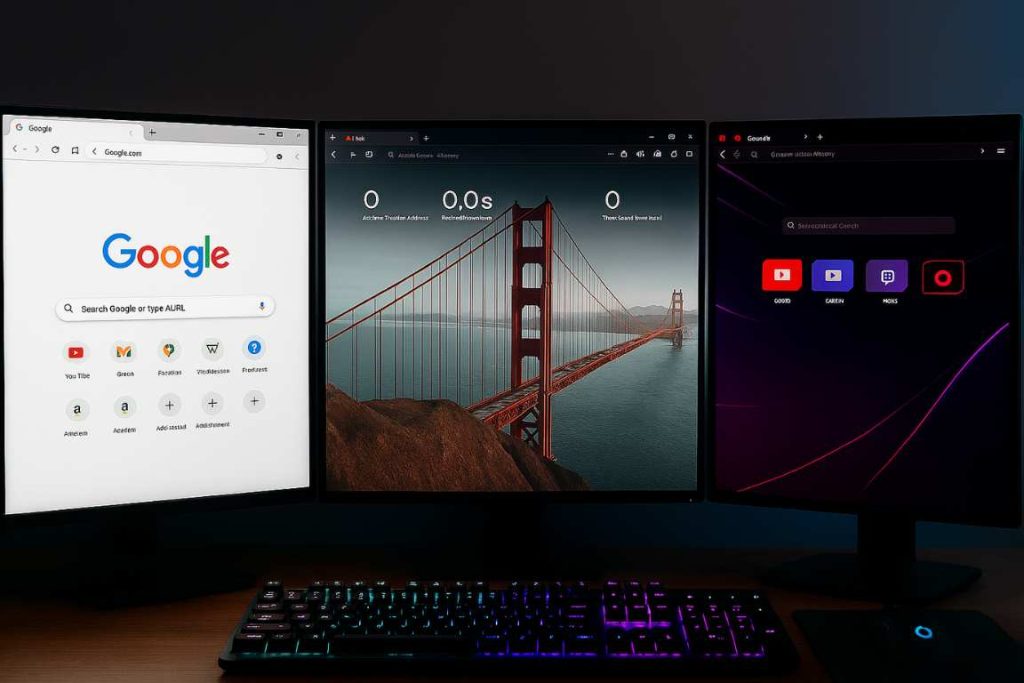
In recent years, browsers like Opera GX, Brave, Vivaldi, and Firefox have gained attention by offering features like:
-
Built-in VPNs
-
Crypto wallets
-
Tab audio control
-
Custom themes
-
RAM and CPU limiters
While Chrome doesn’t offer those things natively, it stays competitive through its ecosystem: the Chrome Web Store, integration with Google Workspace, and constant updates.
For example, if you liked the concept of adaptive music in browsing (as seen in our article on Opera GX’s sound experience), you’d have to install a Chrome extension there’s no native feature like that here.
So, Who Should Use Chrome in 2025?
Chrome isn’t for everyone. But it still works exceptionally well for:
-
Users deep in the Google ecosystem (Gmail, Docs, Drive)
-
People who value speed, simplicity, and cross-device sync
-
Developers and power users who use DevTools regularly
-
Students and professionals who want a browser that just works
If you’re someone who wants advanced control, deep customization, or gaming-centric features, you might want to explore alternatives. But if what you need is a browser that stays out of the way, loads fast, and connects to everything Chrome still delivers.
Final thoughts
Google Chrome may not be the flashiest or the most private browser on the market. But it’s fast. It’s reliable. And in a digital world full of distraction, sometimes that’s exactly what you want.
It doesn’t try to be everything. It just tries to work on every device, in every situation, for as many people as possible.
That’s not a gimmick. It’s a choice.
Download Google Chrome and decide for yourself if staying simple still makes the most sense.