
When Mark first installed Brave, he didn’t expect much. Just another browser, he thought. Chrome with a different logo. But within minutes, the difference was obvious: no cookie popups, no autoplay videos, no full-screen banners. Pages loaded faster. His fan didn’t spin like a jet engine. And, most surprisingly, he wasn’t being followed around the web by the same pair of shoes he looked at yesterday.

That small shift less clutter, more peace is what Brave is built around.
While most browsers in 2025 are trying to be smarter, louder, or more customizable, Brave went back to the basics: speed, safety, and control. It doesn’t just change how you browse. It changes how you feel online.
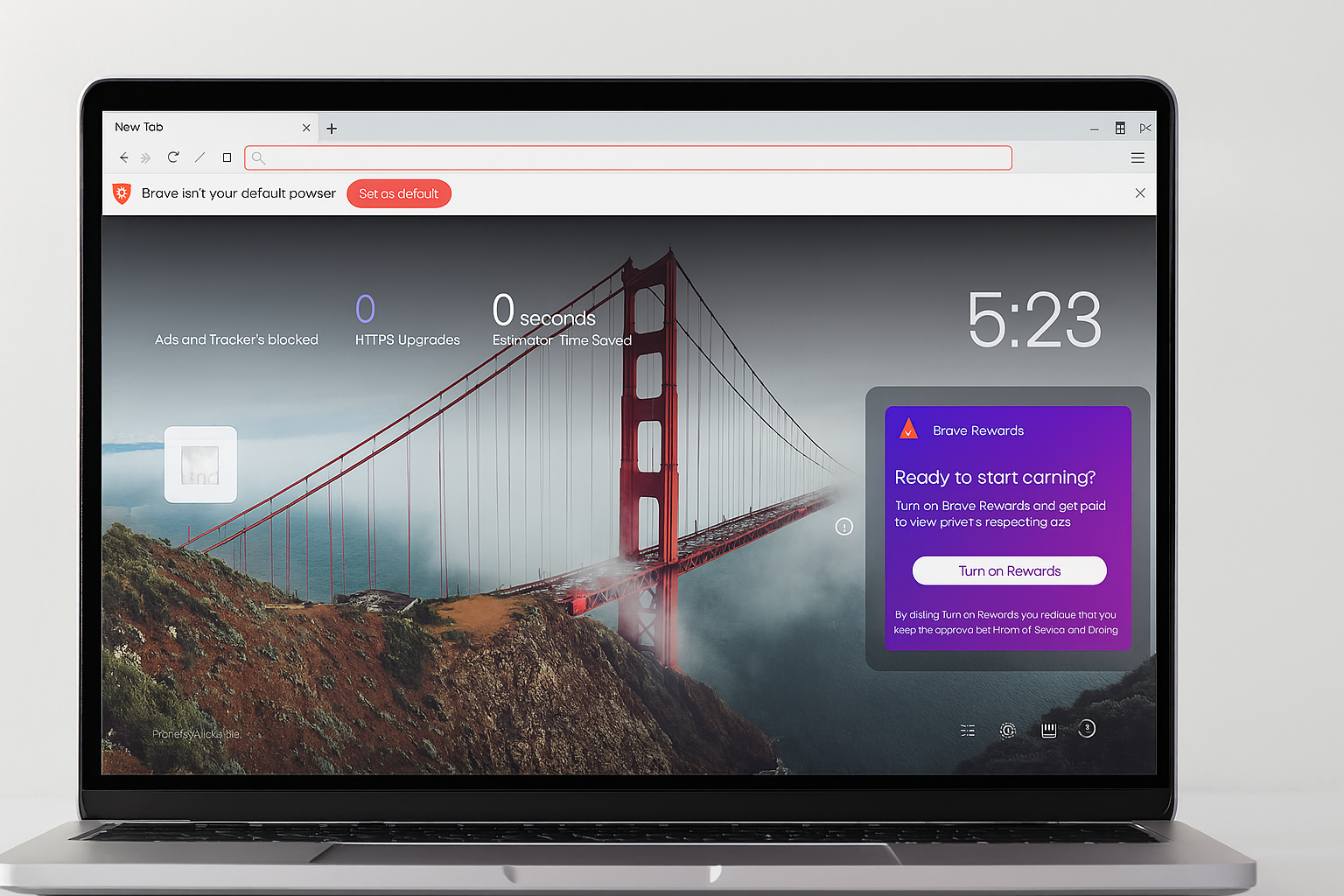
Built-in protection, no setup required
Unlike Chrome, which often relies on third-party extensions, or Opera GX, which prioritizes customization and gaming performance, Brave blocks the noise by default.
That means:
-
Ads are stripped from websites before they load
-
Trackers are blocked silently in the background
-
Scripts that slow down or spy on you are filtered out
-
Cookie prompts are reduced or hidden entirely
It all happens the moment you install the browser. No settings to tweak. No plugins to add. Just clean, fast browsing.
If Chrome is built for reach, and Opera GX for control, Brave is clearly built for protection.
We explored Chrome’s simplicity in our dedicated review, but Brave takes a more opinionated, privacy-first stance and that changes the whole experience.
Core features at a glance
| Feature | What It Does |
|---|---|
| Ad & Tracker Blocking | Automatically removes unwanted content and surveillance scripts |
| Shields Panel | Gives live stats and control over page-specific protections |
| Brave Search | Uses its own search index—no reliance on Google |
| Brave Rewards | Lets users earn BAT for viewing private ads (opt-in only) |
| Tor Tabs | Private browsing through the Tor network for advanced anonymity |
| Built-in VPN | Optional paid VPN with system-wide protection (on mobile and desktop) |
| Brave Firewall | On mobile, blocks background trackers from all apps—not just websites |
These features are designed to work silently, without affecting speed or usability.
Performance you can feel
Since Brave strips out ads, scripts, and trackers before loading pages, browsing feels noticeably faster even on slower networks or older machines.
Battery life improves too, because fewer background processes means lower power consumption. For people who browse on laptops or mobile, this alone can be a game-changer.
Unlike Opera GX, which includes CPU and RAM limiters to manage performance actively (as we detailed in this article), Brave avoids the issue altogether by loading less junk in the first place.
Brave search: breaking free from Google
Another standout is Brave Search, a privacy-first engine developed in-house.
Most so-called “private” browsers still rely on Google or Bing for search results. Brave built its own index, meaning:
-
No data is sent to third parties
-
No user profiling
-
No personalized ad results
It’s not perfect. Sometimes, niche queries perform better on Google. But for daily browsing, it’s fast, clean, and doesn’t know who you are.
This makes Brave more than a browser it’s an entire ecosystem that aims to remove surveillance from your daily routine.
Optional features that respect you
Brave doesn’t force you to use features. Instead, it offers options.
Take Brave Rewards: a system where you can opt in to see small, privacy-friendly ads in exchange for BAT (Basic Attention Token) a cryptocurrency you can use to support creators or withdraw.
Or the built-in VPN, which works across apps and encrypts all traffic, not just your browser. It’s paid, but it’s fast, simple to activate, and fully integrated.
These tools respect your agency. You’re not required to use them, and they won’t push popups in your face. That alone sets Brave apart from most modern software.
Who uses brave and why?
Brave has a wide appeal, but certain groups benefit most:
-
Privacy-conscious users: journalists, researchers, and activists
-
Mobile users: those wanting speed + better battery life
-
Crypto natives: people who already use wallets and tokens
-
Minimalists: anyone tired of digital clutter
It’s not trying to be a browser for everyone. It’s trying to be a browser for people who are paying attention.
What to expect (and not expect)
Brave is fast, safe, and focused. But it’s not perfect.
You might find:
-
Some websites detect Brave’s ad-blocking and restrict content
-
The rewards system isn’t useful to everyone
-
Sync between devices isn’t as seamless as Chrome’s
-
The interface is more minimalist—no flashy themes or effects
Still, for most users, the benefits far outweigh the rare inconvenience.
Final thoughts
Brave doesn’t promise to do everything. It promises to do less but better.
It doesn’t track you. It doesn’t distract you. It doesn’t try to become your media hub, social dashboard, or productivity suite. It’s a browser, plain and simple built to protect your time, your attention, and your data.
And sometimes, less really is more.
Download Brave for free and see what browsing looks like when the noise disappears.