
Every gamer knows the frustration of lag during a match, of a system freezing mid-stream, or a tab crashing while multitasking. It’s often not the game it’s the browser.

Opera GX was built to solve that. Not to look cool (though it does), but to give you full control over your system while you browse, stream, and play. From managing performance to syncing with your setup, it’s more than a browser it’s part of your rig.
If you’ve been settling for a standard browser, this might be the upgrade you didn’t know you needed.
Ready to try it? Download Opera GX for free here and experience it for yourself
Designed with Gamers in Mind
Most browsers are designed for general use. Opera GX is different. It’s built around the needs of gamers: performance, customization, multitasking, and immersion.
That’s what makes it stand out. You don’t need to close tabs, pause downloads, or sacrifice visual style to keep your FPS high. Opera GX is optimized to let everything work together your browser, your game, your tools.
And it’s completely free.
Core features that change everything
Instead of trying to impress with gimmicks, Opera GX focuses on what actually matters to people who spend hours online:
| Feature | What It Does |
|---|---|
| CPU Limiter | Sets a limit on how much processor power the browser can use |
| RAM Limiter | Prevents the browser from hogging memory that your game needs |
| Network Bandwidth Limiter | Controls how much internet Opera GX can use, preserving bandwidth for gaming |
| GX Corner | Gaming news, free game alerts, and upcoming releases—all in one dashboard |
| Pop-Out Video Player | Lets you watch YouTube or tutorials in a floating window while continuing to game |
These tools work together to prevent interruptions and keep everything running smoothly. Whether you’re editing a video, browsing guides, or chatting during a session, you stay in control.
This kind of resource control is something we explored more deeply in our overview of how Opera GX gives gamers full control.
Speed without compromise
When performance drops, most users blame their games. But in reality, it’s often the background apps especially browsers that eat up resources.
Opera GX changes that. With a few clicks, you can limit how much RAM or CPU the browser uses. Want to stream music, download updates, and run a browser-based chat without losing FPS? You can do that here.
Even the network limiter helps you prioritize your connection. If you’re downloading a large file while gaming online, you can prevent lag spikes by telling Opera GX exactly how much bandwidth it’s allowed to consume.
Seamless multitasking
Opera GX makes multitasking natural not a challenge.
Thanks to its sidebar, you can access your Discord server, control your music, manage your tabs, and even send messages on WhatsApp or Telegram all while staying focused.
If you regularly mix gaming with music, you’ll enjoy how effortlessly it all comes together. We wrote more about this in our review of Opera GX’s built-in music and sound experience, which covers the immersive GX Soundtrack and player.
It’s the little things like changing a song or muting a group chat that no longer require switching windows or disrupting your game.
Privacy features built In
Opera GX doesn’t ignore security. It comes with:
-
Integrated VPN : encrypts your browsing, hides your IP, and unlocks region-blocked content
-
Ad Blocker : keeps your browsing clean and fast
-
Tracker Blocker : limits scripts that slow down pages or track behavior
And for those who want even more protection, Opera offers VPN Pro as an upgrade with more servers, higher speeds, and full device coverage.
That means whether you’re downloading games, shopping, or using sensitive logins, you’re covered.
A browser that feels like part of your setup
Beyond function, Opera GX offers style and not just basic themes. You can customize:
-
Colors and interface layout
-
Live wallpapers
-
Tab sound effects and click responses
-
Background music and sound design
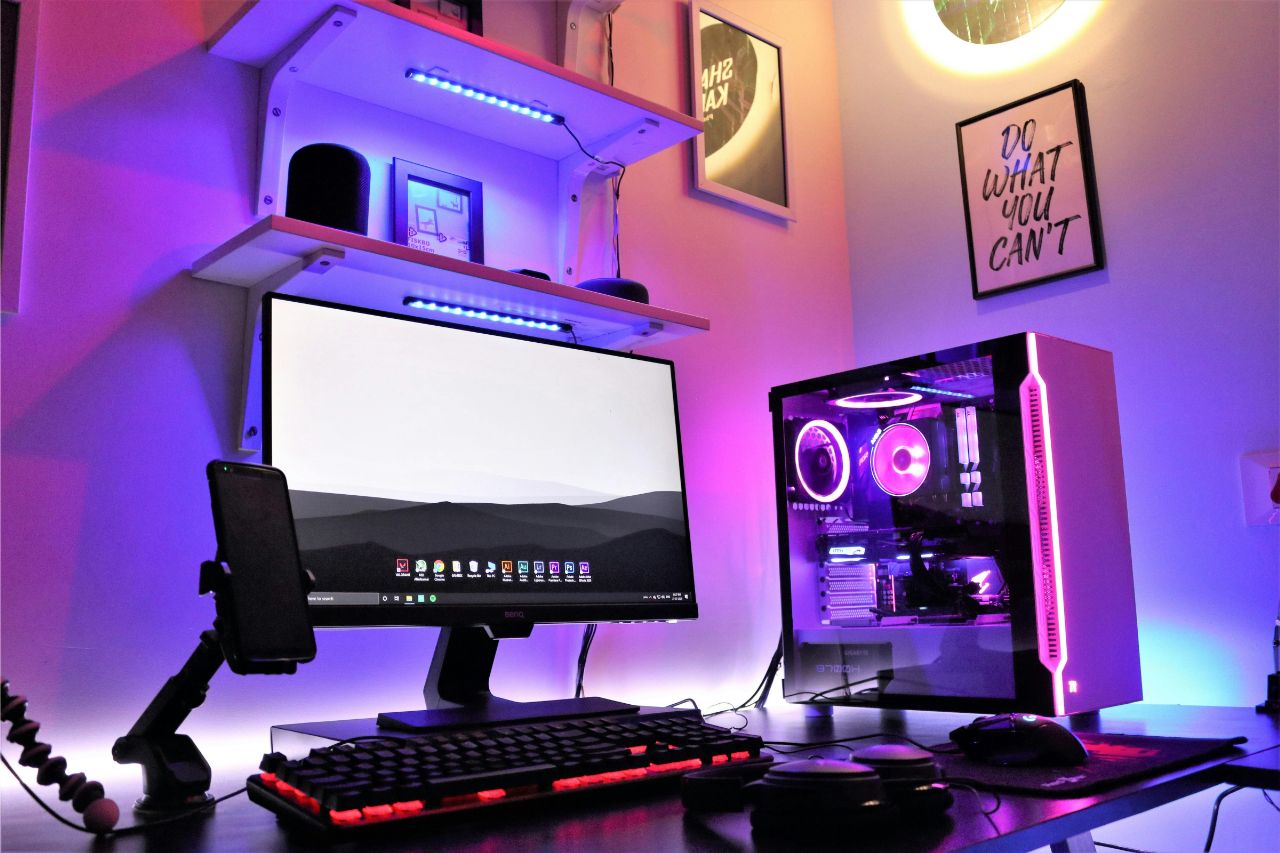
It syncs with RGB peripherals, reacts to your movements, and creates a visual and audio experience that matches your setup.
And if you prefer quiet or minimalism? You can disable it all and keep it clean.
Bonus tools that actually help
Opera GX also includes tools like:
-
GX cleaner : clears temporary files, freeing up space in one click
-
MiniPay : an integrated crypto wallet for gamers who use digital assets
-
Aria AI assistant : helps you find guides, answers, and recommendations without leaving your tab
None of these are essential but they’re thoughtful, and they add real value without cluttering the interface.
Opera GX evolves constantly, thanks to feedback from the community. New features, updated themes, and performance tweaks are rolled out regularly.
Final thoughts
Opera GX isn’t just another browser with a fresh skin. It’s a tool built for the way gamers actually use the web multitasking, customizing, and running heavy systems all at once.
It gives you the ability to manage your system, personalize your environment, and stay focused without sacrificing performance.
Whether you game casually or competitively, stream or study, build or just browse, Opera GX becomes part of your digital setup. And it earns that place with features that matter.
Click here to download Opera GX and see how a browser built for gamers makes a difference.