
Phones carry bank apps, one time codes, family photos, and work files. Attackers do not need rare zero days to reach them. Most wins come from speed, tricks, and weak defaults. I study those patterns and this year five routes stand out. Learn how they work, how to spot them, and the simple moves that shut them down. For a bigger picture of leaks and defenses, read the comprehensive mobile data breach guide for 2025.

Man in the middle on public wi fi
How it works
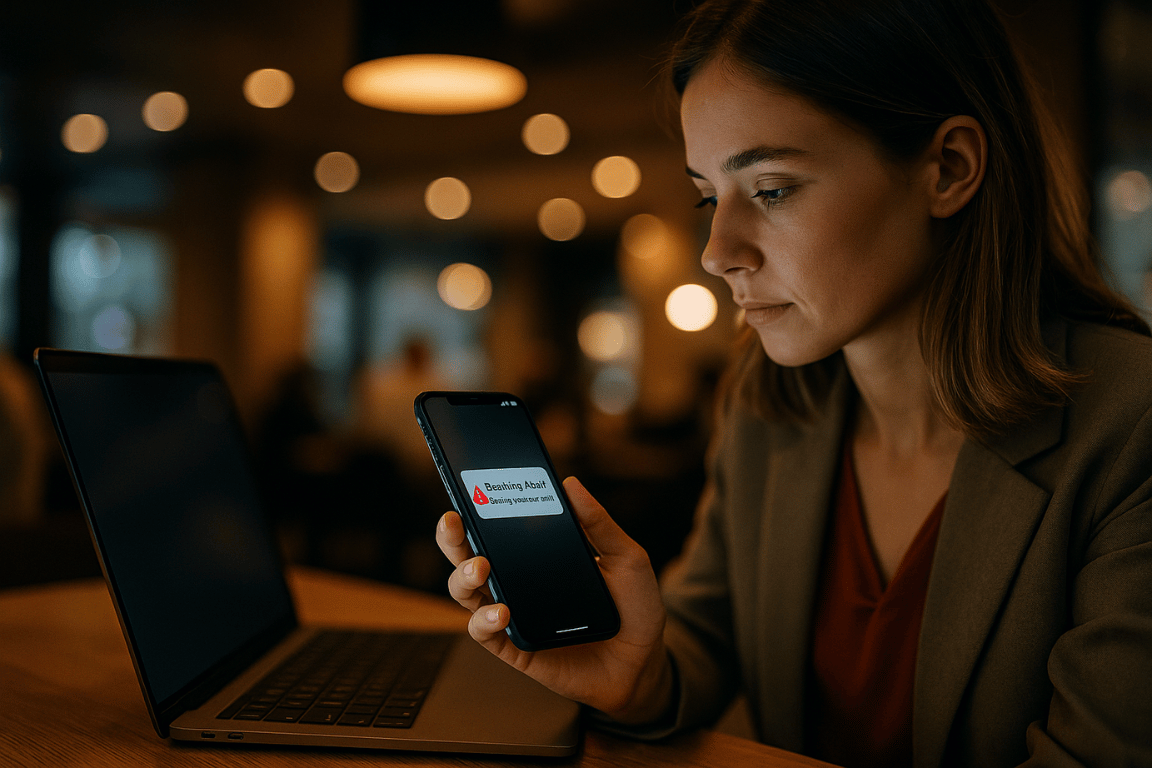
Cafés, hotels, and airports still offer free access. A small board clones the network name and broadcasts a stronger signal than the real router. Your phone auto reconnects and sends traffic through the trap. Old sites can be downgraded. Cookies and form data leak. Even when https holds, domain names and timing still paint a profile that guides later scams.
What helps
Keep a trustworthy vpn on auto connect for unknown ssid. Use the kill switch so nothing escapes on drop. Forget networks you no longer need. Check the certificate padlock before you type passwords on captive portals.
Quishing with tampered qr codes
How it works
Cameras resolve links the moment a code enters the frame. Criminals paste their own stickers on parking meters, event flyers, and parcel lockers. One scan lands you on a perfect copy of a payment or login page. The address bar on a phone is short and easy to ignore. Some pages try to push a configuration profile that adds a shadow vpn or changes dns behind the scenes.
What helps
Preview the link before opening. Let a password manager fill only on trusted domains. Block automatic profile or configuration downloads. Avoid scanning codes from random posters or café tables.
Push notification lures
How it works
Attackers buy cheap ad inventory that looks like a system alert. A banner slides down and claims your account is locked or a parcel needs payment. One tap opens a web view ready to catch your credentials. After capture the page often bounces to the real site so nothing feels wrong.
What helps
Set finance and shopping apps to silent notifications. When an alert asks for login close it and open the official app by hand. Review which apps have permission to push and revoke those you never use. Create unique email aliases per service so fake notices stand out.
Sideloaded spyware in free mods
How it works
Communities share apk files and sideload profiles that unlock premium features. Many bundles hide trackers or full spyware. They read clipboards, capture screens, and watch keystrokes through accessibility. On iOS some regions now allow limited marketplaces and that opens another door for tampered builds. Battery impact stays low so victims assume the app is harmless.
What helps
Leave install unknown apps off on your daily driver. Check signatures and hashes against the publisher site. Prefer open source forks with reproducible builds. If you must test mods use a spare device with no personal accounts.
Sim swap and fast esims
How it works
Carriers made number transfers easy with qr codes. Thieves collect leaked personal data and convince support to move your line to their phone. Your device loses signal while theirs receives calls and sms codes for two factor login. Account takeover follows fast. Many people wait thinking it is a coverage glitch and that delay gives attackers time to drain accounts.
What helps
Set a port out pin with your carrier. Require in store id for any esim change. Move two factor codes to an authenticator app or a hardware key. Treat sudden loss of service in a strong area as urgent and call the carrier from another line.
How these vectors link together
Most breaches do not start with malware. They start with convenience. A quick scan at a parking meter. A reflex tap on a push banner. A free mod during a slow evening. Add apps that collect too much data and you get a map of a life. Attackers chain routes. A push lure steals a session cookie. That opens cloud sync. Chats and photos spill and fuel convincing messages to friends and colleagues. The cycle repeats until you break one link.
A compact checklist you can apply today
Turn on auto connect for your vpn and enable the kill switch.
Use an authenticator app or a hardware key and keep sms as backup only.
Clean your permission list each quarter and cut background location for social apps.
Lock your carrier account with a port out pin and an in store id rule.
Remove old apps and profiles and reset advertising ids.
Update your phone the day patches arrive.
When to reset or rebuild
If scans show stalkerware, or if cloud sessions keep reopening after logout, plan a full reset. Back up photos locally with encryption. Sign in fresh. Install apps one by one. It takes a day but brings a clean slate. Background traffic drops and battery life often improves.
Mindset that keeps you safe
Slow down when any screen asks for credentials or a code. Move login prompts into the official app, not the banner or web view that opened by itself. Treat every public network as untrusted. Treat every qr as suspect. Treat every free mod as a trade you rarely need to make.
Conclusion
These five vectors feed on speed and habit. A little friction ruins their math. Keep the tunnel on, trim permissions, and lock the carrier line. For a quick next step, read the guide on high risk permissions that leak data and remove every access your apps do not need.